Google Merchant Center Feed Errors: How to Fix Every Common Issue

Nothing is more frustrating than setting up Google Shopping ads only to discover half your products are disapproved due to feed errors. Google Merchant Center is notoriously strict about data quality, and even small issues — a missing GTIN, an incorrect price, or an image that's too small — can get your products suppressed from Shopping results. This guide covers every common Merchant Center error and gives you step-by-step fixes to get your products approved and selling.
01Understanding Google Merchant Center Feed Errors
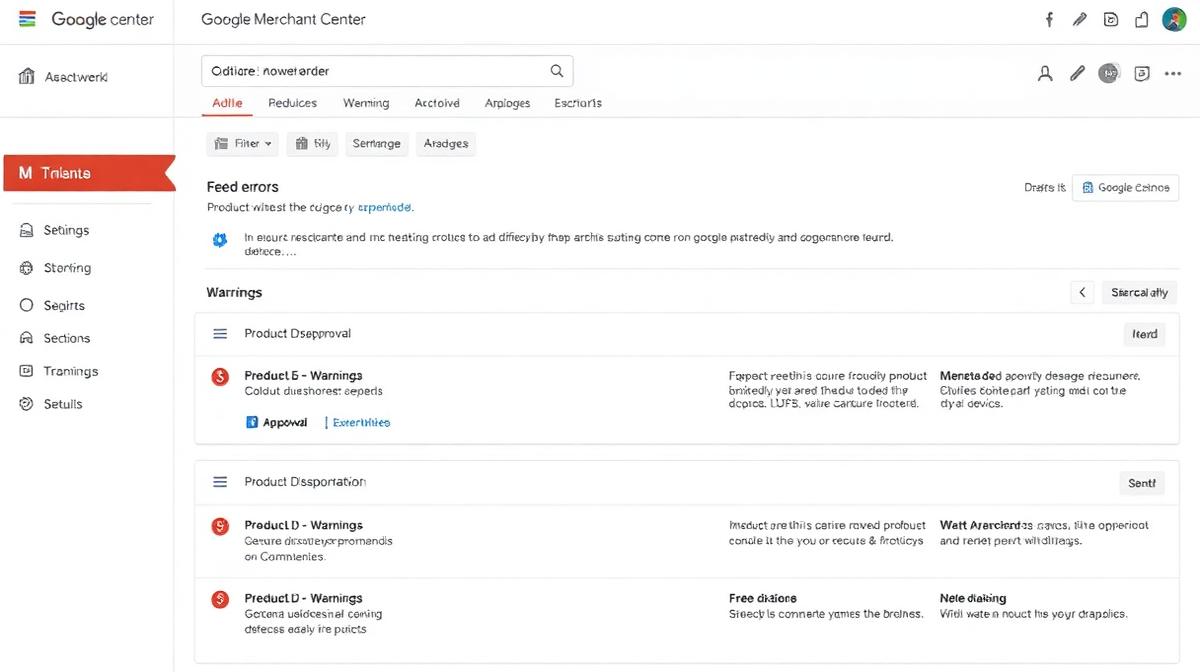
Merchant Center errors fall into three categories:
- Disapprovals (Critical): Products are removed from Shopping results entirely. Must be fixed immediately.
- Warnings: Products still show but may have reduced visibility or performance. Should be fixed soon.
- Notifications: Informational — best practices that could improve performance.
How Feed Errors Impact Your Business
| Error Type | Impact | Revenue Loss Estimate |
|---|---|---|
| Product disapproval | Product invisible in Shopping | 100% of potential ad revenue for that product |
| Missing GTIN/MPN | Lower ad ranking, less visibility | 30-50% lower click-through rate |
| Price mismatch | Immediate disapproval | Full product suppression |
| Low-quality images | Disapproval or lower ranking | 20-40% lower conversion rate |
| Missing shipping info | Product may not show in local results | Varies by market |
02Error 1: Missing or Invalid GTIN (Global Trade Item Number)
This is the single most common Merchant Center error. Google requires GTINs (UPC, EAN, ISBN) for most manufactured products.
What Is a GTIN?
- UPC: 12-digit code used in the US and Canada.
- EAN: 13-digit code used in the EU, UK, and Australia.
- ISBN: 13-digit code for books.
- JAN: 8 or 13-digit code used in Japan.
How to Fix
- For branded products: Get the GTIN from the manufacturer, product packaging, or the GS1 database (gepir.gs1.org).
- For custom/handmade products: Set
identifier_existstofalsein your feed. This tells Google your product doesn't have a standard identifier. - For private label products: Purchase GTINs from GS1 (gs1.org) — a package of 10 costs approximately USD 250 + annual renewal.
- Validation: Use Google's GTIN validation tool or check-digit calculators to verify the format before submission.
03Error 2: Price and Availability Mismatch
Google crawls your website and compares the data in your feed with what's actually on your product pages. Any discrepancy triggers a disapproval.
Common Causes
- Sale prices not updated in feed: Your website shows a sale price, but the feed still has the original price.
- Currency mismatch: Feed shows USD but website displays in a different currency.
- Out-of-stock products: Feed says "in stock" but website shows "sold out."
- Regional pricing: Different prices for different countries not properly configured in the feed.
How to Fix
- Use dynamic feeds: Connect your Shopify/WooCommerce store directly to Merchant Center using apps that automatically sync prices and availability.
- Shopify: Use the Google & YouTube channel app for automatic syncing.
- WooCommerce: Use Google Listings & Ads plugin or a dedicated feed management plugin.
- Include both
priceandsale_price: When running promotions, include the original price and the sale price with sale start/end dates. - Check microdata: Ensure your website's structured data (JSON-LD) matches the feed data exactly.
04Error 3: Image Quality Issues
Google has strict image requirements. Violations result in product disapproval.
Common Image Errors
- Image too small: Minimum 100x100px for non-apparel, 250x250px for apparel. Recommended: 800x800px or larger.
- Promotional overlays: Text, watermarks, badges ("SALE!", "FREE SHIPPING") on product images cause disapproval.
- Placeholder/generic images: Stock photos or generic category images instead of actual product photos.
- Image doesn't match product: The image shows a different variant than described in the listing.
How to Fix
- Use high-resolution images: 1200x1200px or larger for Shopping ads. Square format recommended.
- Clean white backgrounds: For the main product image, use a plain white or light background.
- No overlays: Remove all text, watermarks, and promotional badges from feed images.
- Use
additional_image_link: Add lifestyle and contextual images as additional images while keeping the main image clean.
05Error 4: Missing Required Attributes
Google requires different attributes depending on your product category:
Required for All Products
id— Unique product identifiertitle— Product name (max 150 chars)description— Product description (max 5,000 chars)link— URL to the product pageimage_link— URL to the main product imageprice— Product price with currencyavailability— in stock, out of stock, or preorderbrand— Product brand name
Required for Apparel
google_product_category— Google's taxonomy IDgender— male, female, or unisexage_group— adult, kids, toddler, infant, newborncolor— Product colorsize— Product size
06Error 5: Shipping and Tax Configuration
Incorrect shipping or tax settings prevent products from showing in specific regions.
How to Fix
- Configure shipping in Merchant Center: Set up shipping rates for each target country directly in your Merchant Center account settings.
- Or use feed-level shipping: Add
shippingattributes to your product feed for product-specific rates. - US tax settings: Configure state-by-state tax rates or enable auto-detection based on nexus.
- Free shipping threshold: If you offer free shipping above a certain amount, configure this in Merchant Center promotions.
07Error 6: Policy Violations
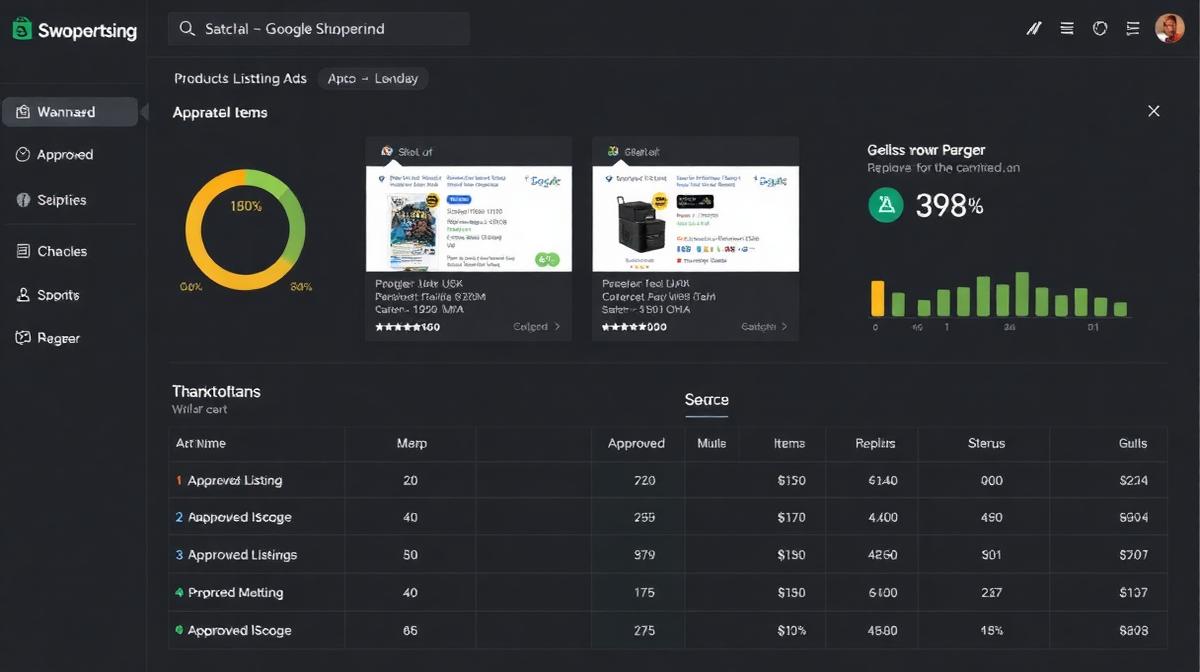
Policy violations are the hardest to fix because they often require website changes:
Common Policy Issues
- Missing return policy: Your website must have a clearly linked return/refund policy page.
- Missing contact information: Phone number or email must be visible on the website.
- Checkout issues: Broken checkout, SSL certificate errors, or payment gateway problems.
- Misrepresentation: Product descriptions that don't match actual products.
- Restricted content: Products in restricted categories (alcohol, tobacco, adult content, weapons) have specific requirements.
08Prevention: Building a Clean Feed from the Start
The best approach is preventing errors rather than fixing them after the fact:
Feed Quality Checklist
- ✅ Every product has a unique ID, title, description, image, and price
- ✅ GTINs are valid and match the correct product
- ✅ Prices match exactly between feed and website
- ✅ Images are 800x800px+ with no overlays or watermarks
- ✅ Availability status is synced with actual inventory
- ✅ Product categories use Google's taxonomy IDs
- ✅ Shipping rates are configured for all target countries
- ✅ All required apparel attributes are filled (if applicable)
- ✅ Return policy, contact info, and SSL are all present on the website
- ✅ Feed is updated at least daily for price/inventory changes
09Recommended Resources & Tools
- Google Product Data Specification — Official reference for all required and optional feed attributes.
- GS1 GTIN Lookup Tool — Verify and look up Global Trade Item Numbers for branded products.
- Nex-Automata Digital Agency — Our sister agency offering Google Shopping feed setup and optimization services.
- Flora Medical Global — Our ecosystem partner handling product feed compliance for healthcare and medical products.
How Often Should I Update My Merchant Center Feed?
At minimum, update daily for price and availability changes. For large catalogs with frequent inventory changes, use the Content API for real-time updates. Google prioritizes feeds that are frequently updated with accurate data.
How Long Does It Take to Fix Feed Errors?
After submitting fixes, Google typically reviews your feed within 3-5 business days. For policy violations, reviews can take up to 2 weeks. For account-level suspensions, the appeal process may take 4-6 weeks. Start fixing issues as soon as you notice them.
Can I Use Google Shopping Without a GTIN?
Yes, for custom, handmade, or vintage products. Set identifier_exists to false in your feed. However, products with valid GTINs typically receive better placement and lower CPCs in Shopping ads. If you sell branded manufactured products, GTINs are required.

Md Jamrul Mia
Founder, InfiniCore DataWorks · Senior E-commerce & Data Specialist
10+ years of freelancing experience and 500+ projects delivered for clients across the US, UK, Canada, Australia & Europe. Top Rated on Upwork (4.9★) and 5.0 on Fiverr — specializing in data entry, web scraping, e-commerce operations, AI automation, and web development.
Comments (0)
No comments yet — be the first to share your thoughts.
Leave a Comment
Automate Etsy Product Listings with CSV Import: Step-by-Step (2026)
Clean Messy Product Data in CSV Files: E-commerce Cleanup Guide
Related Articles

SEO Migration Checklist for Website Relaunches
The definitive SEO migration checklist to protect your rankings during a website relaunch — redirects, schema, indexing, and more.

AdSense Traffic Without Killing Leads: A Guide for Agencies
How to monetise your agency site with Google AdSense without hurting lead generation or user experience.